Messy Makeup AI Filter: A Field Guide to Realism in Adult AI
There is a fast way to tell a good adult AI image from a bad one, and it has nothing to do with the body. Look at the face. Specifically, look at the makeup.
A generated face with perfect eyeliner, clean lashes, and fresh lipstick looks like it has not been anywhere. It resembles a model on a set rather than a person caught in a moment. Viewers often notice this artificial perfection before they can explain why the image feels unrealistic.
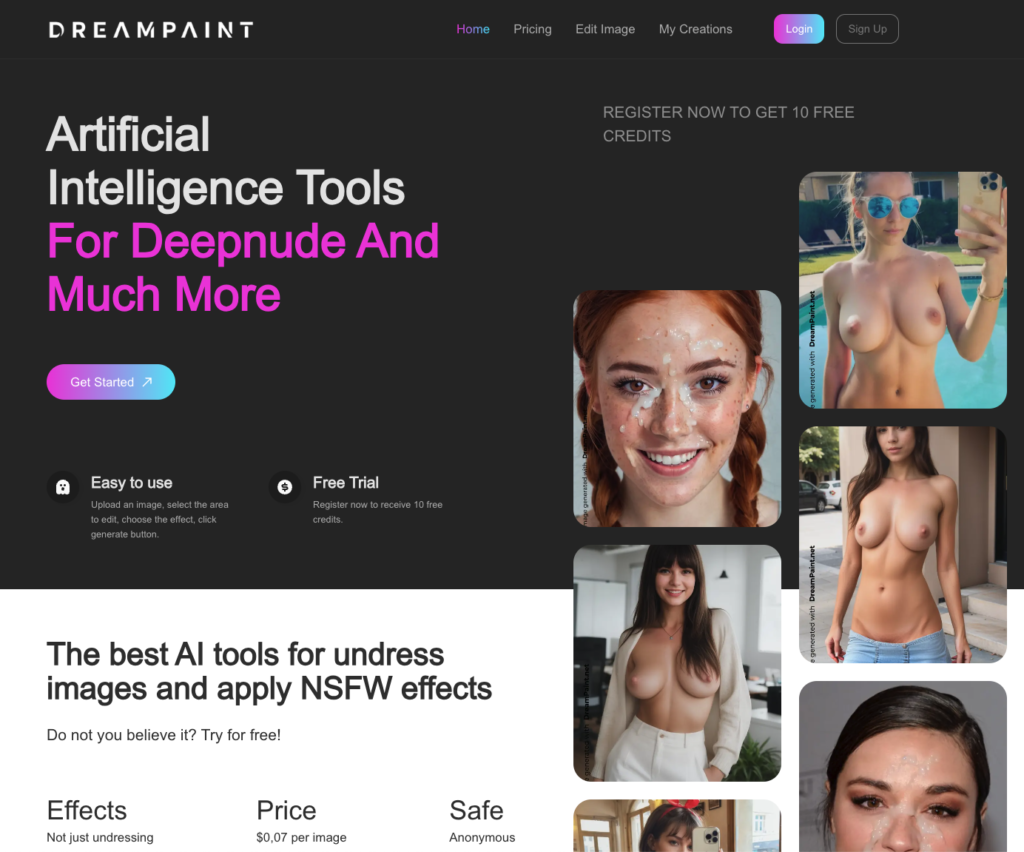
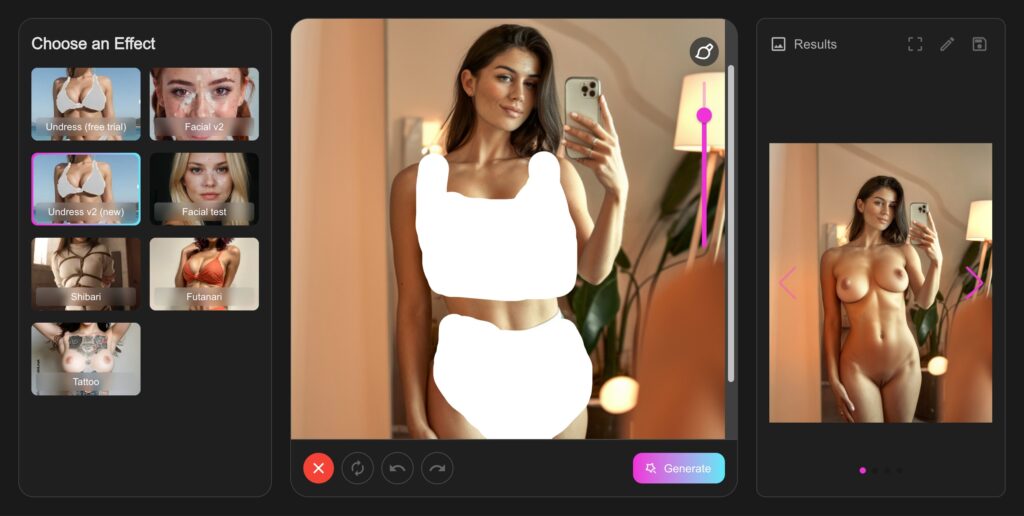
That is why the Messy Makeup AI Filter is more than a cosmetic extra. It is one of the toughest realism tests in AI photo editing. Dreampaint’s Ruined Mascara and Ruined Makeup effects help transform polished portraits into images with more natural-looking, smudged makeup.
The Realism Test: Why the Messy Makeup AI Filter Is Difficult to Master
Skin texture can be forgiving. Pores blur, textures blend, and a little gloss can hide imperfections. Makeup is different because people know what it looks like in real life and how it behaves when it begins to wear off.
Your eyes recognize the natural pattern of running mascara. Eyeliner usually smudges according to the shape of the eye rather than spreading randomly. Lipstick often fades around the inner edges before the outer outline disappears. Foundation may wear away around the nose and upper lip, where heat and moisture affect it.
When these details look wrong, the result can resemble a sticker placed over a photograph instead of realistic makeup.
This is one reason why creating a convincing aftermath look can be challenging for AI image generators. Realistic, messy makeup involves many small physical details. Editing an existing photograph can help preserve the original facial structure and composition while changing the makeup.
Anatomy of Realistic Messy Makeup
To understand how a Messy Makeup AI Filter works, it helps to look at how different cosmetic products behave when they begin to wear off.
Mascara: Natural-Looking Streaks and Smudges
Mascara tends to run in tracks rather than perfectly uniform streaks. Gravity pulls it down the cheeks, sometimes following the natural contours of the face. Darker deposits often appear beneath the lower lash line, while the streaks gradually become lighter as they extend downward.
Waterproof mascara may form more defined marks, whereas regular formulas can create softer, greyish shadows. Both effects can look realistic when they follow the natural shape of the face.
Eyeliner: Soft Edges and Smudged Corners
Eyeliner often loses its sharp edges before spreading further. The outer corner may become softer, and a wing can smudge into a wider, darker shadow.
These small details help make a makeup transformation look more believable. A naturally blurred eyeliner edge can look more realistic than a perfectly straight, painted line.
Lipstick: Faded Color and Uneven Coverage
Lipstick often wears away unevenly, particularly around the inner edges of the lips. This can leave the outer outline more visible while the center appears lighter.
Lip gloss may also break into uneven patches that reflect light differently. These variations create a more natural appearance than simply removing all lipstick color from the lips.
Foundation and Blush: Natural Changes in Complexion
Foundation can wear away around the nose, upper lip, and areas beside the nostrils. As coverage becomes uneven, the natural skin tone may show through.
Blush can also appear less uniform as makeup shifts or fades. Keeping some underlying color visible can create a more convincing result than removing the entire base layer.
Dreampaint’s Ruined Mascara effect focuses primarily on the eyes, while Ruined Makeup creates a broader transformation across multiple areas of the face. Choose the effect according to the level of detail you want to achieve.
Choosing the Right Source Photo for a Messy Makeup AI Filter
The quality of the original image plays an important role in the final result. Choose a source photograph that gives the effect enough facial detail to work with.
The best results often come from straight-on or three-quarter portraits with open eyes, good resolution, soft lighting, and some visible makeup. Existing makeup gives the effect more detail to work with, while a completely bare face may offer fewer features to transform.
Neutral expressions can also work well because the makeup remains the main focus of the transformation.
Avoid photographs with harsh flash, strong beauty filters, sunglasses, hair covering the eyes, or extreme camera angles. Heavily blurred portraits may lack the skin texture needed to create convincing makeup details.
Three Ways to Use the Messy Makeup AI Filter
As the Final Effect in a Photo Sequence
You can create a sequence by starting with a portrait, applying another suitable photo effect, and finishing with Ruined Makeup. Keeping the same source identity across the sequence helps the images feel visually connected.
As a Standalone Photo Effect
A single upload and one makeup effect can create a noticeably different look from a polished portrait. This approach is useful when testing alternative visual styles for thumbnails, previews, or promotional images.
As a Character Development Effect
You can apply different makeup styles to the same character across multiple scenes. For example, one image may feature a polished appearance, while another uses softer eyeliner and faded lipstick.
Maintaining consistent facial features helps create a sense of visual continuity between images.
Five Mistakes to Avoid When Using a Messy Makeup AI Filter
- Choosing an overly tight crop: A very close crop may leave little room to show mascara running down the cheeks.
- Applying the effect repeatedly: Stacking the same effect can create overly dark marks that resemble ink rather than makeup.
- Using images with nearly closed eyes: The eye area may lack the detail needed for a convincing transformation.
- Starting with a completely bare face: If you want a subtle eye-focused result, Ruined Mascara may be a better option.
- Applying the effect to every image: Keeping some images polished creates contrast and makes the makeup transformation more noticeable.
Where the Messy Makeup AI Filter Fits into Your Workflow
Treat the effect as a finishing step rather than the starting point. First, choose the composition and source image. Then decide how subtle or dramatic you want the makeup transformation to be.
If your workflow allows it, compare several variations of the same image with different levels of makeup wear. This makes it easier to decide which result looks most natural and fits your intended style.
Testing different variations can also help you understand how lighting, makeup, and facial positioning influence the final output.
Privacy, Processing, and Pricing on Dreampaint
Dreampaint states that uploaded images are automatically deleted from its servers after 48 hours and that generated results are removed as well. Review the platform’s current privacy policy for the full details of its image-retention practices.
The platform also lists Solana, Tron, and Litecoin among its payment options. Cryptocurrency transactions do not automatically guarantee complete anonymity, so review the payment provider’s terms and privacy practices before making a purchase.
Dreampaint uses a credit-based pricing model rather than a recurring subscription, according to the pricing details provided for this article.
- Basic – $29: 100 credits, or 200 credits with cryptocurrency payment.
- Premium – $39: 300 credits, or 400 credits with cryptocurrency payment.
- Platinum – $69: 1,000 credits, or 1,100 credits with cryptocurrency payment.
Check Dreampaint’s current pricing page to confirm the latest prices, credit bonuses, and effect costs before purchasing.
Final Thoughts: Why the Messy Makeup AI Filter Matters
Anyone can generate a polished face. Creating believable makeup imperfections is a more demanding test of visual realism.
The Messy Makeup AI Filter focuses on the small details that make an image feel more natural: softened eyeliner, uneven lipstick, and mascara that follows the contours of the face.
Dreampaint’s Ruined Mascara and Ruined Makeup effects offer ways to explore these transformations directly in a browser. With a suitable source photo and carefully chosen settings, you can create a result that looks less artificially polished and more visually convincing.
Polish may be easy to recognize, but realistic imperfection is where the details matter most.