Why AI Kissing Videos generator Often Look Awkward at First
Many users try an AI kissing video generator expecting smooth, realistic results, but the videos often look awkward at first. When the system generates movement, it can appear stiff or slightly delayed. Facial angles and body distance also affect how real the scene feels. If faces point in the wrong direction or stand too far apart, the motion loses its flow. Small mismatches in expression or head position can make the moment feel forced. Viewers notice these details quickly, even if they cannot explain what feels wrong. As a result, the video looks edited instead of natural. An AI kissing video generator relies heavily on accurate facial alignment and motion timing to avoid this awkward effect.
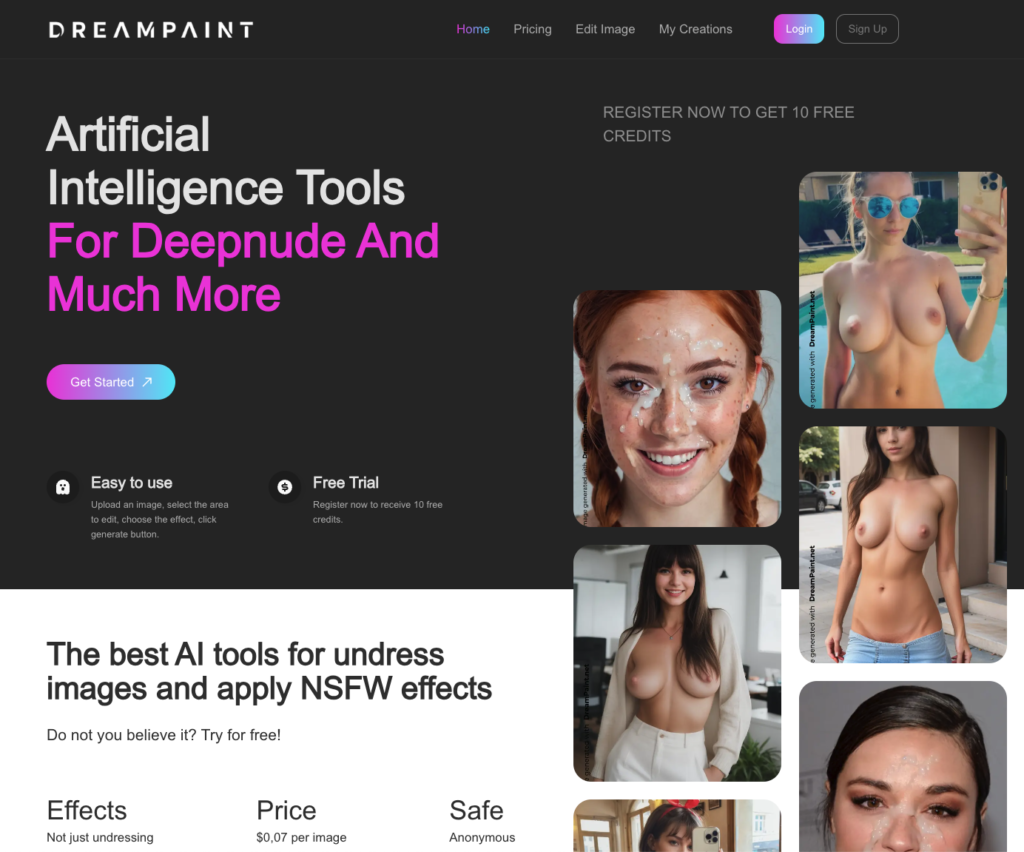
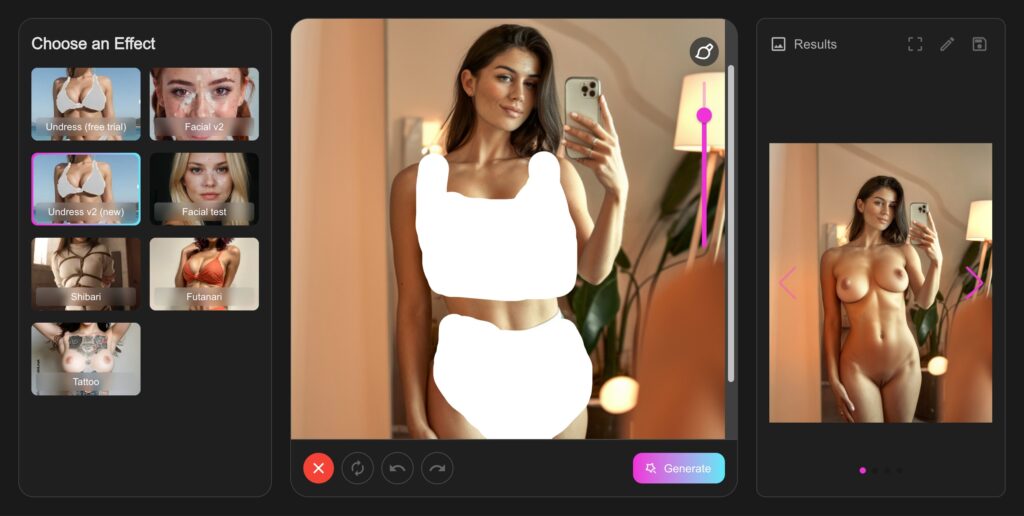
Source image quality also plays a major role in how smooth the result appears. Blurry images, poor lighting, or extreme angles limit how well the system can map facial movement. When the input lacks clarity, the motion becomes less stable. Platforms that refine existing moments instead of forcing new motion tend to reduce this issue. For example, tools that work with one image and enhance what is already there, like DreamPaint’s single-image approach, often produce smoother and more believable results.
The Hidden Cause of Face Distortion in AI Kissing Videos
Face distortion usually happens when the system tries to adjust facial features that do not align naturally. Lighting and camera angle differences change how shadows fall on the face, which affects how the AI maps key points like eyes, lips, and jawlines. When the light source comes from different directions or the camera sits at an extreme angle, facial features can stretch or shift during motion. This distortion becomes more visible in close-up scenes because small errors stand out. Viewers notice these changes quickly, which makes the result feel artificial.
Two-photo merging increases the risk of distortion because the system must combine faces from separate images. This is a common limitation in many AI kissing video generator tools that depend on merging different sources. Each photo has its own lighting, depth, and perspective. When the AI blends them, it often warps features to make the faces meet. This process can bend proportions and reduce identity consistency. A single-image approach lowers this risk because both characters already share the same environment. Single-image workflows, like the one used on DreamPaint, reduce distortion naturally by enhancing an existing moment instead of forcing two different sources into one scene.
Why Timing Feels Unnatural in Many AI Kissing Videos
Timing feels unnatural in many AI kissing videos because the system struggles to match human rhythm. Real interactions follow subtle patterns of movement, pauses, and expressions. When AI generates motion, it may speed up one part of the action and slow down another. This breaks the natural flow of the moment. Facial expressions and head movement can fall out of sync, which makes the interaction feel staged. Viewers sense this mismatch quickly because the brain expects smooth and coordinated motion during close interactions.
User input quality also affects timing. A well-optimized AI kissing video generator reduces timing issues by maintaining frame consistency and natural motion flow. If the source image shows unclear expressions or awkward spacing, the system has less guidance to create smooth motion. Inconsistent framing makes it harder to predict how faces should move toward each other. Single-frame consistency helps reduce this problem because both characters already exist in one shared scene. Single-image systems support smoother motion since the base frame stays consistent, which improves timing and keeps expressions aligned throughout the video.
The Over-Processed Look That Breaks Realism
An over-processed look breaks realism because heavy smoothing and excessive effects remove natural texture from faces and movement. When tools apply too many filters, skin appears flat, details disappear, and motion starts to feel artificial. More effects do not create better results, which is why discussions around kissing AI often focus on realism instead of heavy editing. They often reduce emotional impact by making the scene look edited instead of real. A balanced approach works better, where the system enhances details without replacing natural features. Simple visuals feel more believable because they preserve small imperfections that the human brain expects to see. Platforms that focus on refinement instead of heavy effects, such as DreamPaint’s approach, tend to keep results natural and visually consistent.
How Single-Image AI Kissing Video Generators Reduce These Problems
Why One Image Creates More Natural Motion
Using a single image allows the AI to work with an existing spatial relationship between characters, which is the core idea behind single-image kiss AI systems. Motion feels smooth because the relative positions of faces and bodies are already correct. Facial alignment has a natural base, so expressions and head movements stay coordinated. Platforms like DreamPaint leverage this single-image approach to generate motion that feels realistic, avoiding the awkward jumps or mismatches often seen in two-photo systems.
How One Frame Preserves Identity and Emotion
A single frame helps preserve identity and emotional expression. Since both characters exist in the same scene, facial distortion is minimized, and expressions remain consistent throughout the video. Emotional flow improves because the AI enhances an existing moment rather than reconstructing it. DreamPaint focuses on maintaining identity and subtle emotional cues, which ensures that the final video feels natural and emotionally engaging.
Why Simplicity Improves Realism Over Time
Simple workflows lead to stable and predictable results. Less processing means fewer visual artifacts and a more authentic look. Users develop trust over time because the platform consistently delivers realistic outputs. DreamPaint’s straightforward single-image upload process supports long-term use, making it easier for creators to produce natural and emotionally accurate AI kissing videos without technical complications.
Practical Tips to Avoid Common AI Kissing Video Issues
To create natural AI kissing videos, start with the right image selection. Choose images where both characters are clearly visible, properly framed, and have expressive but subtle facial cues. Pay attention to lighting and angles, as inconsistent lighting or awkward framing can cause motion or facial distortion. Avoid over-editing or piling on effects, because excessive processing often makes the video look artificial. Set realistic expectations about AI-generated motion, these tools enhance, not replace, real-life nuances. Finally, use simple, focused tools that prioritize natural results, like DreamPaint, which leverages single-image workflows to reduce awkward motion, maintain expressions, and preserve emotional authenticity.
Conclusion: Better Inputs Create Better AI Kissing Videos
The quality of results from an AI kissing video generator depends just as much on the input as on the tool itself. Choosing well-framed, expressive images significantly reduces awkward motion, face distortion, and unnatural timing. Single-image approaches offer long-term benefits by preserving spatial relationships, expressions, and emotional flow, which makes the results feel more natural and immersive. Platforms that prioritize realism, simplicity, and privacy, like DreamPaint, build user trust and provide a future-proof workflow. By focusing on thoughtful inputs and a refined single-image system, AI-generated kissing videos can become not just visually engaging but emotionally authentic as well.